
Slideshow & video maker for iPhone and Android
Turn your photos into stunning videos
Music for every mood, 46 eye-catching transitions and stickers that move. Ready to share in seconds.







46
transitions
30
royalty-free tracks
60
animated stickers
4K
export, no watermark
Transitions
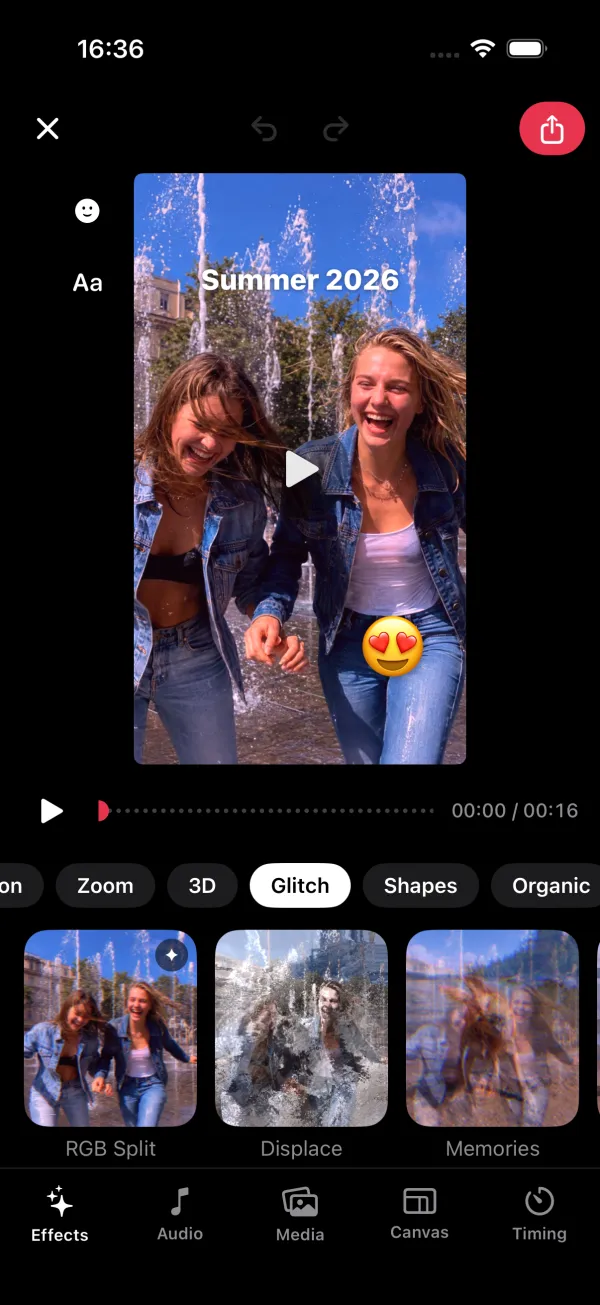
Make it pop with 46 transitions
Every transition plays live on your own photos before you pick it, from soft fades to glitches, 3D cubes and page curls.
- Basic
- Motion
- Zoom
- 3D
- Glitch
- Shapes
- Organic

Music
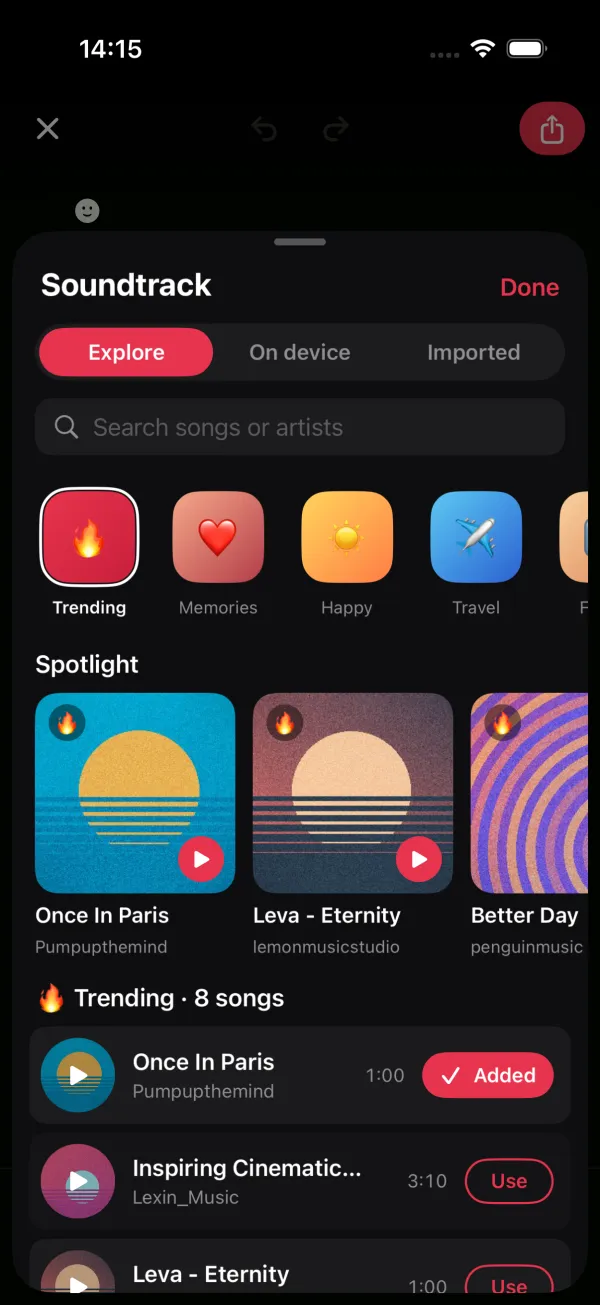
A soundtrack for every mood
30 royalty-free tracks in 10 moods, ready to drop in. Preview with a tap, or use your own music and record a voiceover.
- Memories
- Happy
- Travel
- Family
- Love
- Cinematic

Stickers
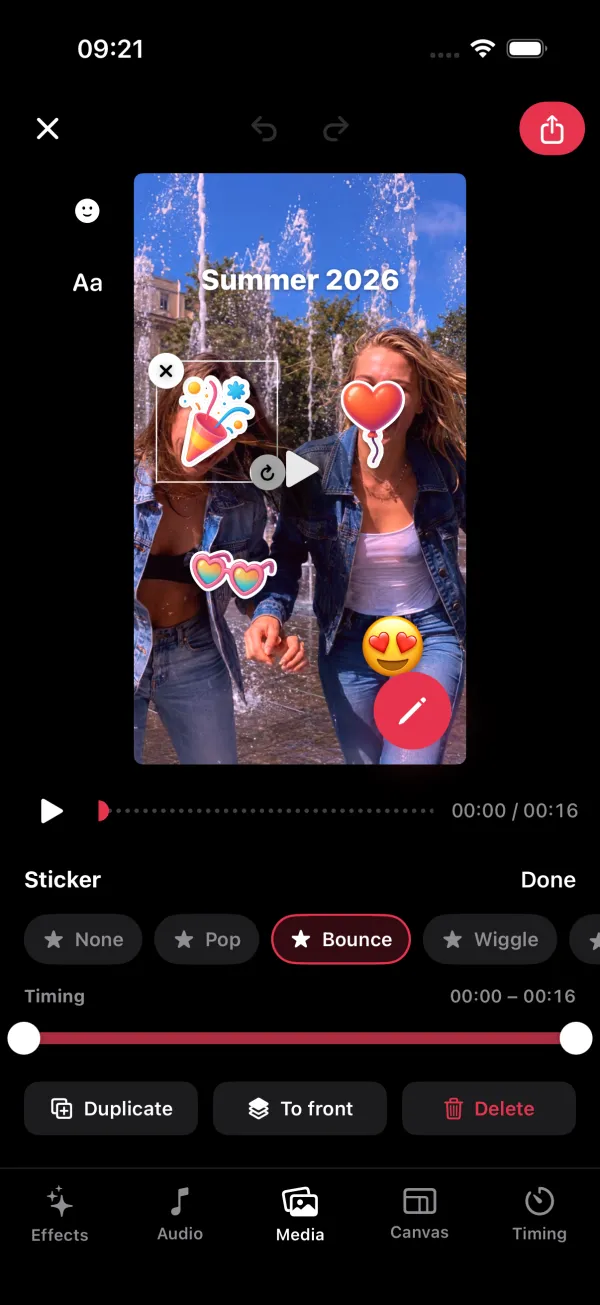
Stickers that move
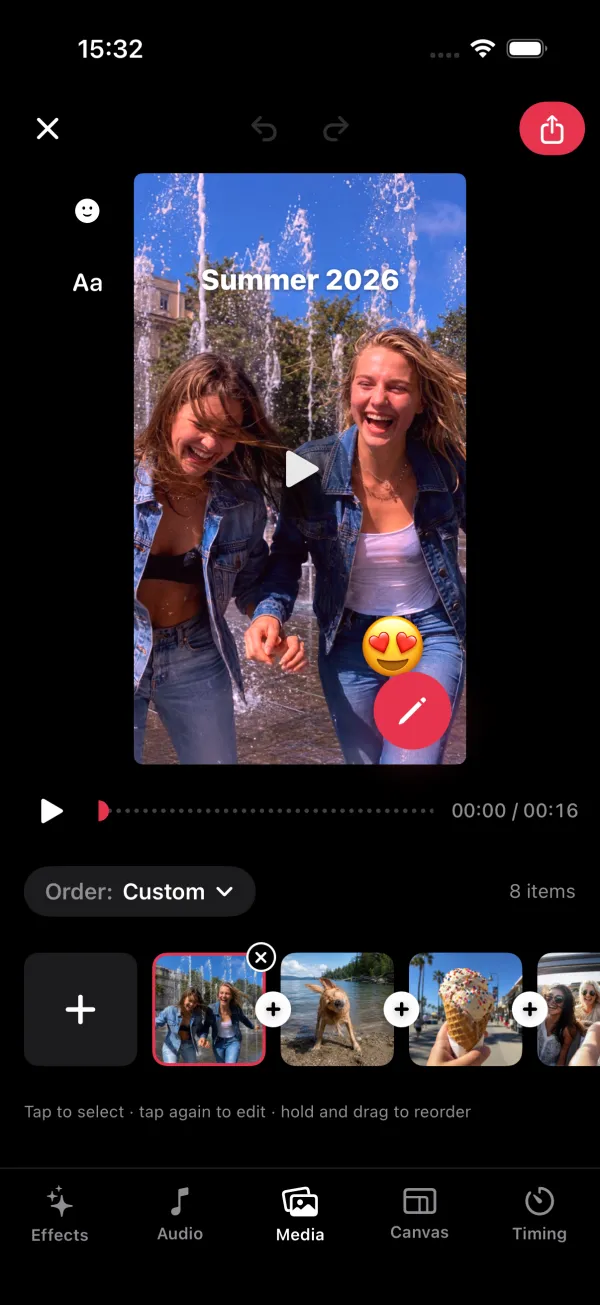
60 glossy die-cut stickers in 5 packs. Drop one on a slide, then make it pop, bounce, wiggle or float in time with the show.
- Pop
- Bounce
- Wiggle
- Float
- Spin
- Slide up


Export
HD and 4K, no watermark
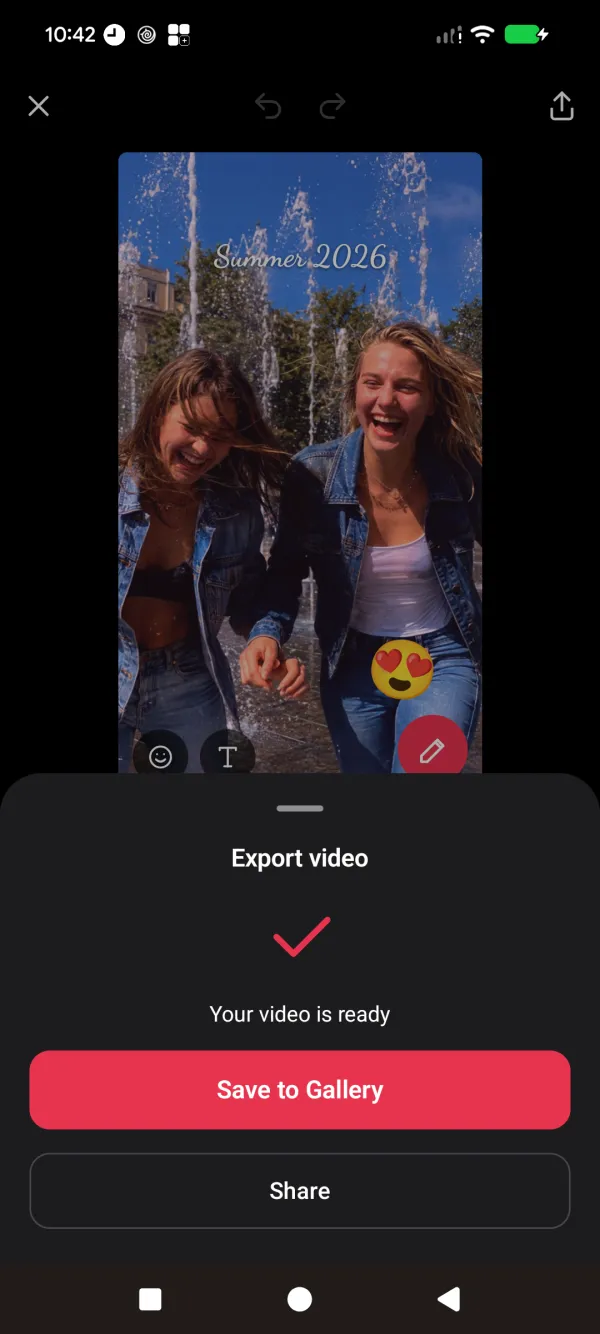
Render on your phone in 720p, 1080p or 4K on supported devices, then save to Photos or your gallery, or share straight to your favourite apps.
- 720p
- 1080p
- 4K
- Save to Photos
- Share anywhere
How it works
From photos to video in three taps
- 1
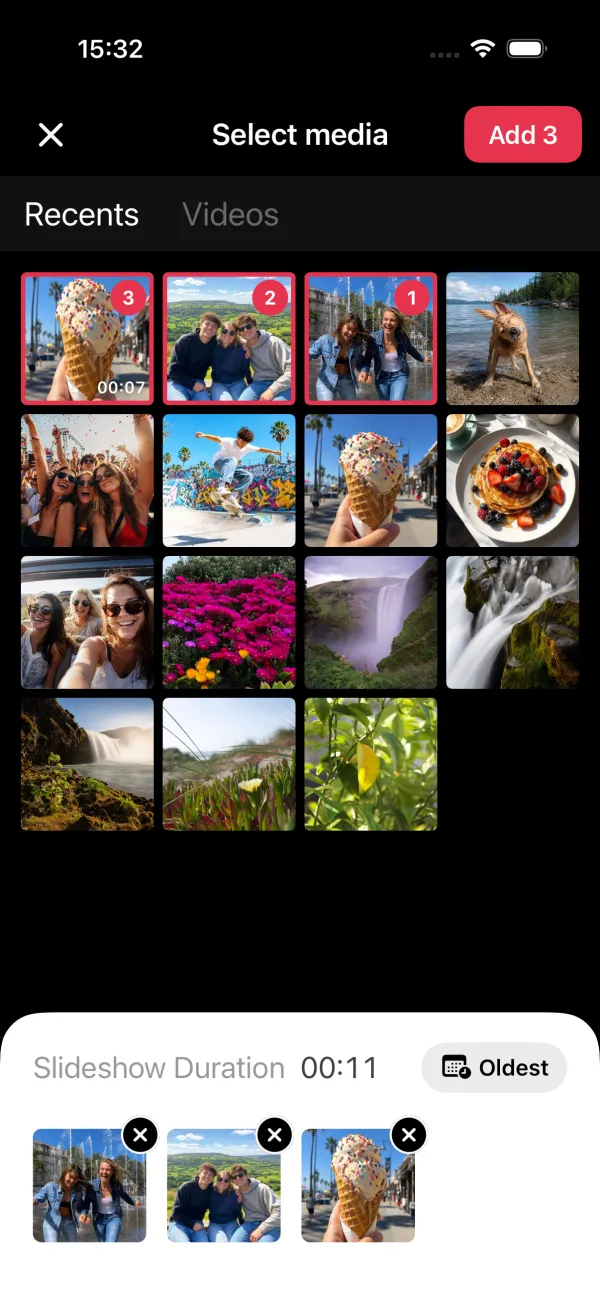
Pick your photos
Choose photos and videos from your library. Slide Maker shows the slideshow’s length as you go.
- 2
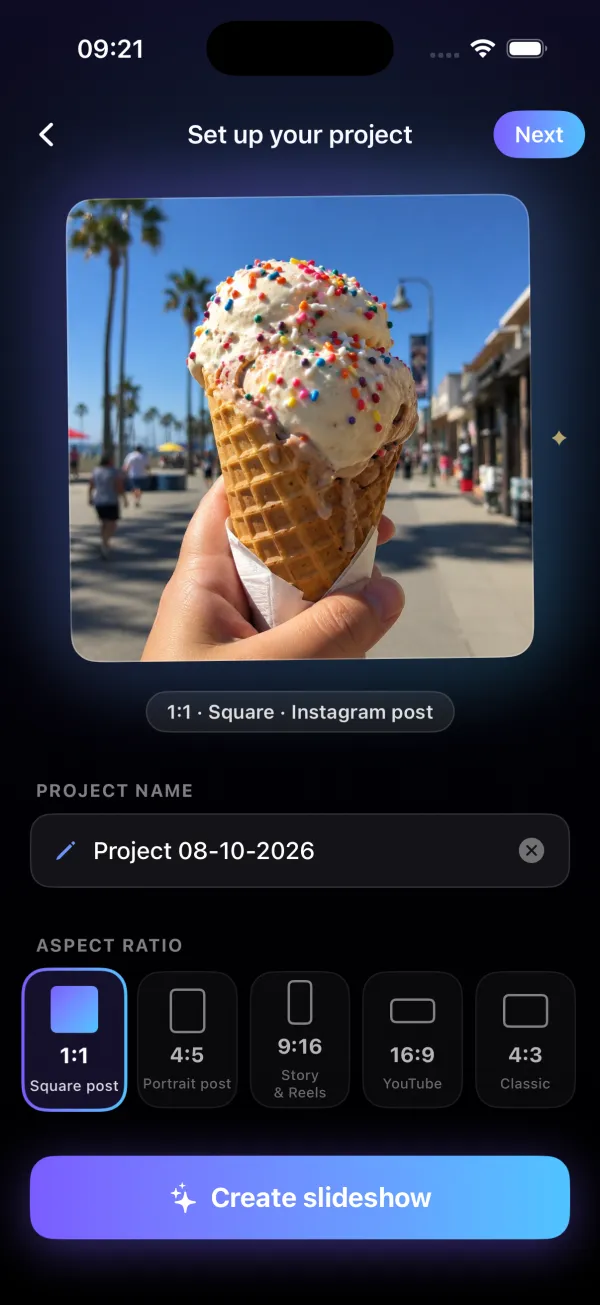
Choose a shape
Square for posts, 9:16 for Stories, Reels and TikTok, 16:9 for YouTube. Name it and you’re in.
- 3
Add the magic, then share
Pick a song, a transition and a few stickers. Export in HD and send it anywhere.
Music library
10 moods, 30 tracks
Music from Pixabay, used under the Pixabay Content License. Music credits

Memories
Inspiring Emotional Uplifting Piano · Resonant Emotional Keys

Happy
Better Day · Joyful Rhythm Walk Funk

Travel
Inspiring Cinematic Ambient · Journey To The Ocean

Family
Leva - Eternity · Inside You

Love
Once In Paris · Honey Kisses

Cinematic
Cinematic Documentary · Wonders of the Earth

Celebration
Drive Breakbeat · Running Night

Calm
Moment of Peace · Ambient Piano and Strings

Kids
Comedy Cartoon Funny Background Music · Whimsical
Elegant
Gardens - Stylish Chill · EONA - Emotional Ambient Pop
Sticker packs
A sticker for every moment
60 hand-picked stickers: Celebrations, Love, Travel & Summer, Family & Pets, Words & Captions. Glossy, die-cut and crisp even in 4K.




























































FAQ
Questions, answered
Is Slide Maker free?
Slide Maker is free to download, and you can make and preview slideshows straight away. Slide Maker Pro unlocks every transition, all the music and HD exports, and starts with a 3-day free trial.
Will my videos have a watermark?
No. The videos you export are clean, with no watermark or logo on them.
Is it on iPhone and Android?
Yes. Slide Maker is made for both, with the same features on each.
What shapes can I make?
1:1 square for posts, 4:5 portrait, 9:16 for Stories, Reels and TikTok, 16:9 for YouTube and 4:3 classic.
Can I use my own music?
Yes. Pick any song from the built-in library, choose audio from your phone, or record a voiceover.
Are my photos uploaded anywhere?
No. Your photos, videos and slideshows stay on your phone and are rendered there. See our Privacy Policy.
How do I cancel a subscription?
In your Apple ID or Google Play subscriptions, at least 24 hours before the trial or period ends. Step-by-step help is on our Support page.
Bring your memories to life
Free to download. Slide Maker Pro starts with a 3-day free trial.